Built by a pest tech who writes these reports every week. Avro manages your jobs, certificates, and chemical inventory — built around the actual compliance requirements of Australian pest and termite work, not adapted from a generic tradie tool.
For pest techs
Pest control software with the AS reports built in
Timber pest reports to AS 4349.3, AS 3660 certificates and service reports, written on site and sent with the invoice. Built by a pest tech.
Free forever. Only pay if you need more. No card needed.
AS 4349.3 · AS 3660 · branded PDFs · works with no signal
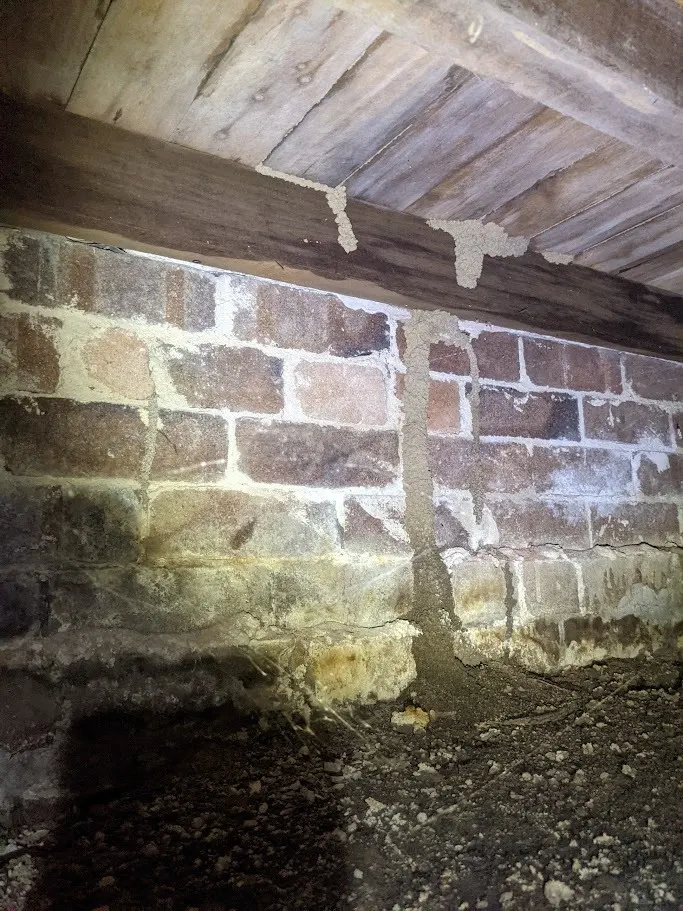
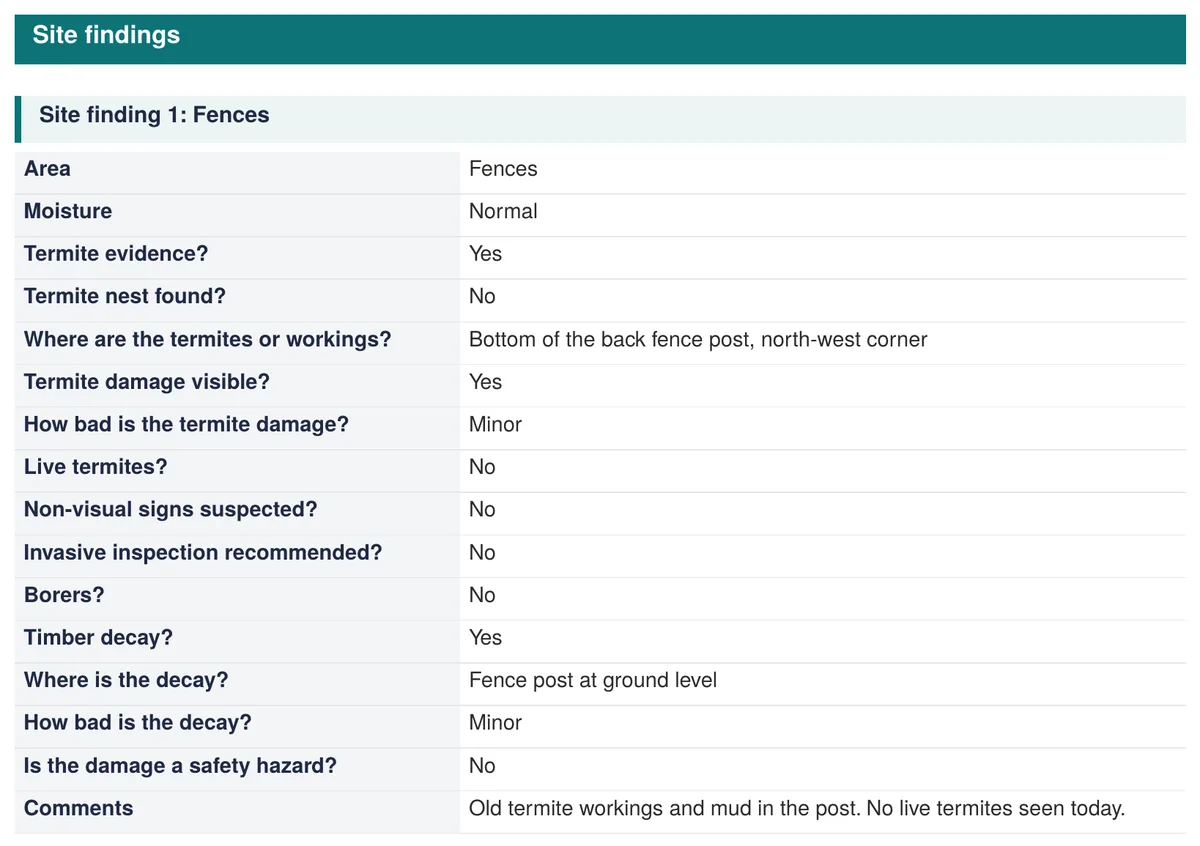
See what your clients get
A finished Avro report, as a PDF and on your client's phone. Your logo, your details, sent from the job.
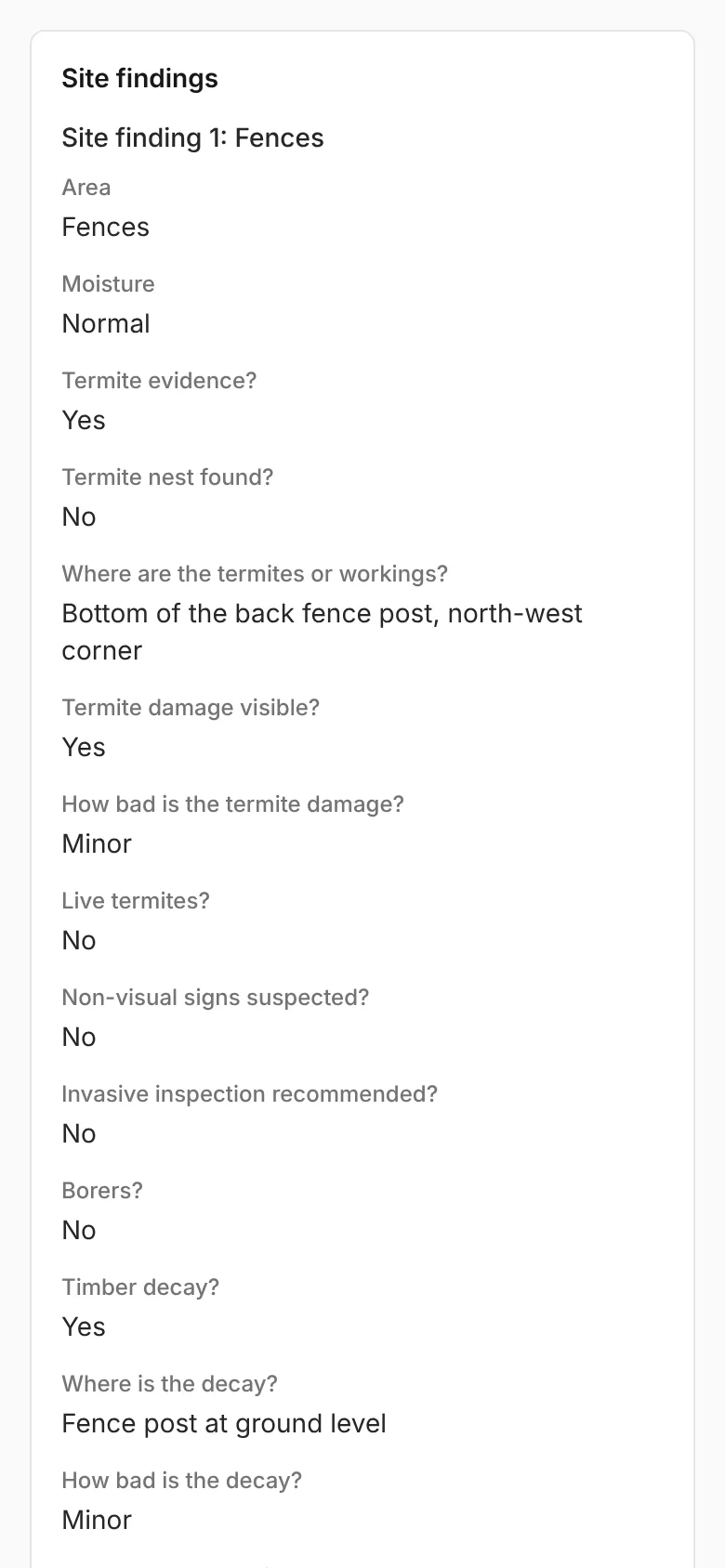
Sample report with made-up details.
Start free
Free forever for a solo tech. No card needed.
Reports done before you leave the site
Fill the report in on site and send it as a branded PDF with your logo and details.
- Timber pest reports to AS 4349.3
- AS 3660 certificates
- Treatment proposals and baiting records
- Service reports and risk notices
Jobs, calendar and service plans
Book jobs on a drag-and-drop calendar and keep regular clients on a schedule.
- Recurring service plans that roll the next visit on
- Every client's visit history in one place
- Works in your phone's browser on site, even with no signal
Quote, invoice and send from the job
The invoice comes from the job, so nothing gets typed twice.
- Quotes and Australian tax invoices with your ABN and GST
- The report attached to the invoice email
- See what's paid and what's owing
Start free
Free forever for a solo tech. No card needed.
Start on the Free plan
$0 a month
- One login
- 10 reports a month
- No limit on jobs or invoices
- No card needed
Need more logins or more reports? Pro is $63 a month with unlimited logins and unlimited reports. Prices in AUD, inc GST.
Questions
Is it really free?
Yes. The Free plan is $0 a month for one login, with 10 reports a month, no limit on jobs or invoices, and you don't enter a card. Pro is $63 a month for unlimited logins and unlimited reports. Prices are in AUD and include GST.
Do I have to switch everything over?
No. Try it on one job first: book it, write the report, send the invoice. Keep your current set-up going until you're happy.
Can I bring my clients across?
Yes. You can import your client list when you set up, or add each client the first time you book them. They're saved from then on.
Does it work on my phone?
Yes. Avro runs in your phone's browser, including on site with no signal. What you enter syncs when you're back in range.
Are the invoices valid Australian tax invoices?
Yes. Invoices carry your ABN, the GST line and the tax invoice heading, and go out as a PDF with the job's report attached.
What happens to my data?
Your reports, quotes and invoices go out as PDFs, so you keep a copy of everything you send. How we handle your information is set out in our Privacy Policy.
Is there a contract?
No lock-in contracts. Cancel from your account settings and your plan stops at the end of the billing period.
More detail
Why it suits pest control work
The full certificate library ships with the product. Every report your business generates — Timber Pest Inspection Reports (AS 4349.3 / AS 3660.2), New Construction and Existing Buildings Certificates of Installation (AS 3660.1 / AS 3660.2), Visual Termite Inspection Reports, Termite Monitoring and Baiting Site Records, Pre-Construction Certificates (AS 3660.1-2014), Subterranean Termite Treatment Proposals, Agreement for Timber Pest Inspection and Report, General Pest Risk Management Notices — is in the library, pre-formatted to Australian Standards, ready to fill in and generate. No template to build. No formatting to fix.
Every application is recorded against the product. Each treatment is logged with the product's APVMA registration number, the batch, the dilution and the area treated. Stock comes off when a product is used on a job, so the record is there from the first job.
Recurring inspections stay on the calendar without manual follow-up. Set the cadence per client once — annual termite inspections, quarterly general pest, scheduled commercial treatments — and the job appears on the right date automatically. The scheduling panel shows what's overdue, sorted by how long it's been outstanding.
Barrier plans, annotated on-device. The Markup & Measure tool opens your architectural PDFs and lets you annotate, dimension, and mark termite barrier diagrams directly.
What it looks like in practice
A technician finishes a termite inspection. They open Avro on their phone, mark the job complete, and pull up the Timber Pest Inspection Report template. The client's address and firm details are already in the header — populated from the job. They complete the report, export the PDF, and it's with the client before they leave the site.
Back at the office, the next quarterly general pest round is already on the calendar, set from the recurring job cadence when that client was first added. Nothing in the pending-paperwork queue.
For strata and commercial clients, the customer self-serve portal carries every job record and certificate. They pull their own treatment history without needing to call the office.
At month end, the stock log shows exactly which APVMA-registered products went into each job. The invoices are sent.
Pricing
Free — 1 login, 1 GB storage, 10 reports a month, no limit on jobs or invoices. Texts are 7c each. Coming soon: online card payments (0.15% Avro fee). No card needed.
Pro — $63 a month, or $630 a year (2 months free). Unlimited logins, 50 GB storage, unlimited reports and generous AI use, with 350 texts a month included (then 7c each in text packs). Coming soon: Xero, MYOB and QuickBooks sync, and online card payments (0.1% Avro fee).
Common questions
What Australian Standards certificates are in the library? The library includes: Timber Pest Inspection Reports (AS 4349.3 / AS 3660.2), Visual Termite Inspection Reports (AS 3660.2), New Construction Certificates of Installation (AS 3660.1), Existing Buildings Certificates of Installation (AS 3660.2), Termite Monitoring and Baiting Site Records (AS 3660.2), Pre-Construction Certificates (AS 3660.1-2014), Subterranean Termite Treatment Proposals, Agreement for Timber Pest Inspection and Report (AS 4349.3), Special Purpose Termite Inspection, General Pest Risk Management Notice, and Pest Management Treatment Proposal.
Does Avro also cover AS 4349.1 building inspection reports? Yes. AS 4349.1 building inspection reports are available alongside the AS 4349.3 timber pest report, so both sides of a combined inspection can be written up on site. Check the current Standard for what each report must cover.
Can field technicians use Avro on their phones? Full access — scheduling, jobs, quotes, invoices, and reports from the field. Avro runs in the browser on any phone. The Android app is on Google Play. The iPhone app is in testing.
How does the chemical inventory work? Add the products you use, with their APVMA registration numbers, or pick them from the supplier catalogue. When a product is used on a job the stock comes off, and the application is recorded with its batch, dilution and treated area. You can view usage across jobs, and low-stock items show on a worklist. Automatic supplier reordering isn't there yet.
Can I set recurring annual inspections for each client? Yes. Set the inspection cadence per client when you add them — annual, biannual, quarterly, monthly. The job lands on the calendar on the right date. The scheduling panel flags overdue inspections and how long they have been outstanding.
What if I need a report type that isn't in the library? Get in touch via avro-ai.com/support. The library was built to cover standard Australian pest and termite requirements — if there's a gap, the product team wants to hear about it.
Start free
Free forever for a solo tech. No card needed.