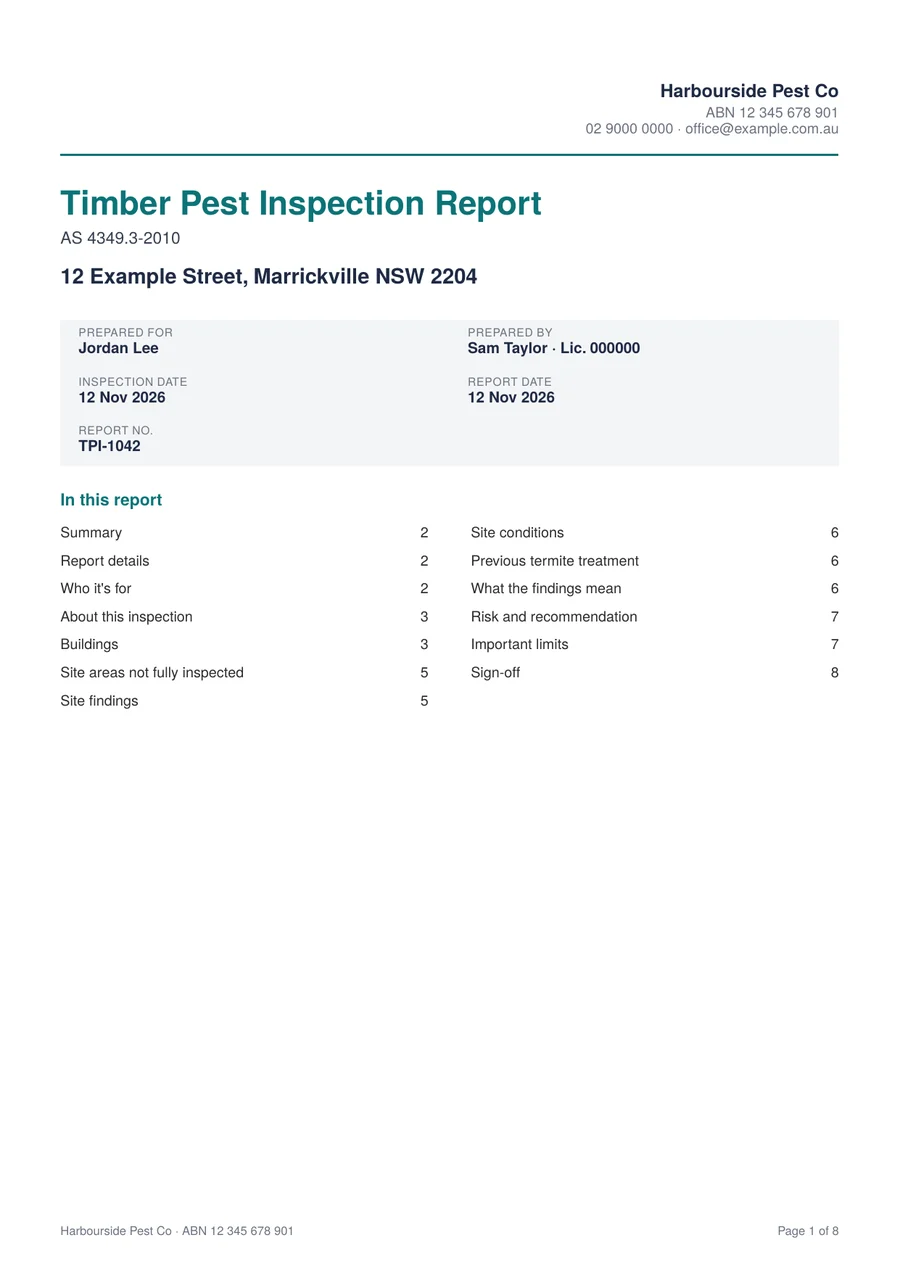
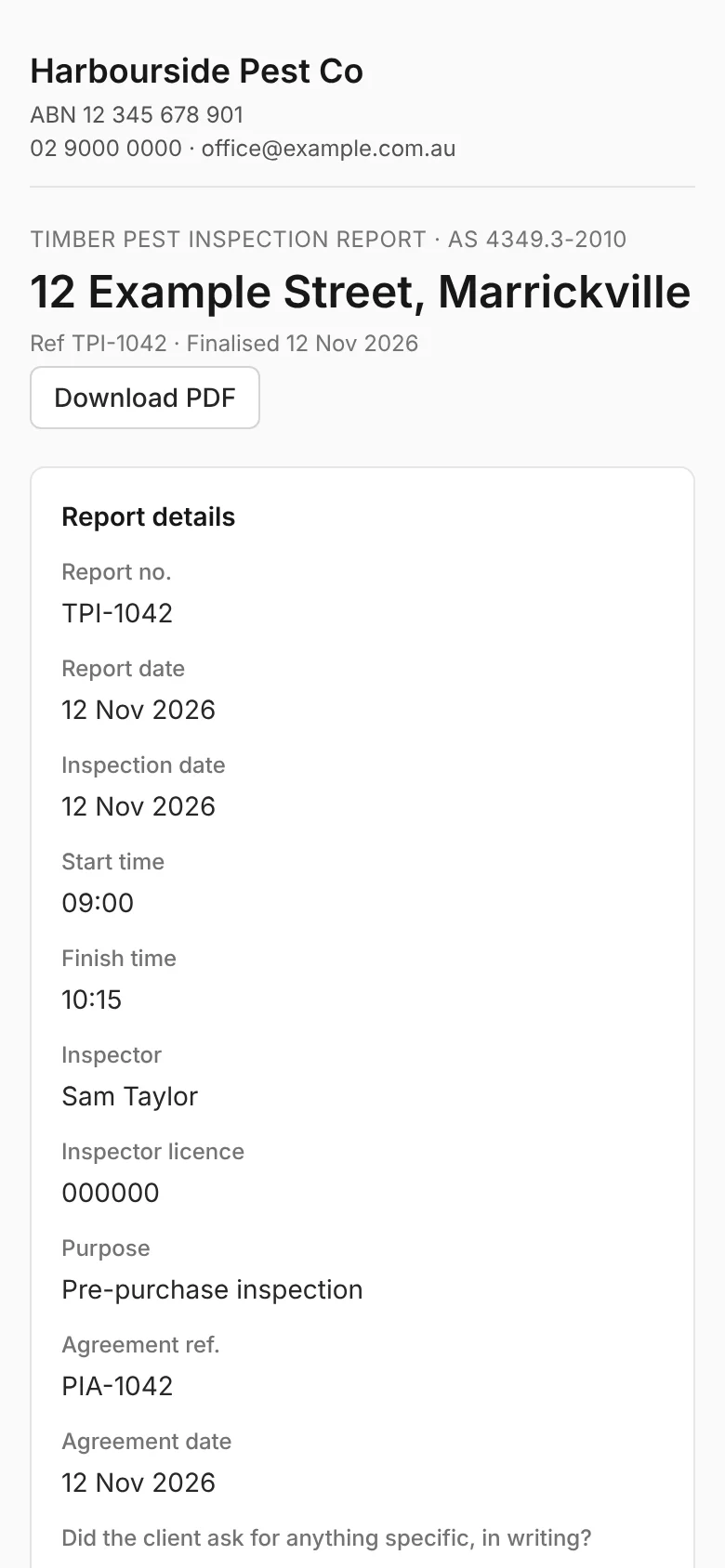
Timber pest reports to AS 4349.3. A defects form you can make your own.
Building inspectors are in the report business as much as the inspection business — every engagement ends with a document that has to be accurate, consistent, and professional. Avro does timber pest reports to AS 4349.3, plus a basic defects form you can customise for your own building notes.
Why Avro suits building inspection businesses
Timber pest reports to AS 4349.3. Write the timber pest report on site, with photos next to the findings and your firm details already on it, and send it as a PDF. For building defects, start from a basic defects form and customise it to how you work. Avro doesn't provide AS 4349.1 building inspection report templates.
Recurring inspections for property managers. Set recurring inspection cadences for property management clients — annual, periodic — and the next inspection lands on the calendar automatically. The scheduling panel shows what's upcoming and what's overdue.
Unlimited reports at the Pro tier. Pro includes Unlimited Reports. Run a busy inspection schedule without a per-report cost adding up against you.
Clients can access inspection records and invoices themselves. The customer self-serve portal lets property managers and private clients view their inspection history, download reports, and check outstanding invoices without needing to call the office.
What it looks like in practice
An inspection is booked. You arrive on site, conduct the inspection, and open Avro on your phone to capture notes and attach any relevant photos to the job record. Back at the office, you open the inspection report template, populate the findings, and generate the report. The invoice goes out from the same job view.
A property management firm has a portfolio of pre-purchase inspections scheduled each quarter. The recurring jobs are on the calendar — they appear automatically on the right dates. When each inspection is complete and the report is filed, the invoice follows.
The property manager checks the inspection record and invoice via the self-serve portal. No back-and-forth to retrieve documents.
Pricing
Free — 1 login, 1 GB storage, 10 reports a month. Texts are 7c each. Coming soon: online card payments (0.15% Avro fee). No card needed.
Pro — $63 a month, or $630 a year (2 months free). Unlimited logins, 50 GB storage, unlimited reports and generous AI use, with 350 texts a month included (then 7c each in text packs). Coming soon: Xero, MYOB and QuickBooks sync, and online card payments (0.1% Avro fee).
Common questions
What inspection report templates are included? Timber pest reports to AS 4349.3, plus a basic defects form you can customise. Avro doesn't provide AS 4349.1 building inspection report templates.
How does recurring inspection scheduling work for property managers? Set the inspection cadence for each property management client once — annual, quarterly, custom — and the job appears on the calendar on the right date automatically. The scheduling view shows upcoming and overdue inspections.
Are reports unlimited at the Pro tier? Yes. Unlimited Reports is included in the Pro plan. There is no per-report charge.
Can property managers access inspection records and reports online? Yes. The customer self-serve portal gives clients access to their inspection history, reports, and invoices directly. No need to resend documents on request.
Does Avro on a phone work in the field for capturing inspection notes? Yes. Avro on your phone gives full access to scheduling, jobs, notes, and invoicing. Avro runs in the browser on any phone. The Android app is on Google Play. The iPhone app is in testing.
Are accounting integrations included? Xero, MYOB and QuickBooks sync is coming soon to Pro. Until then, every invoice goes out as a PDF your bookkeeper can work from.